
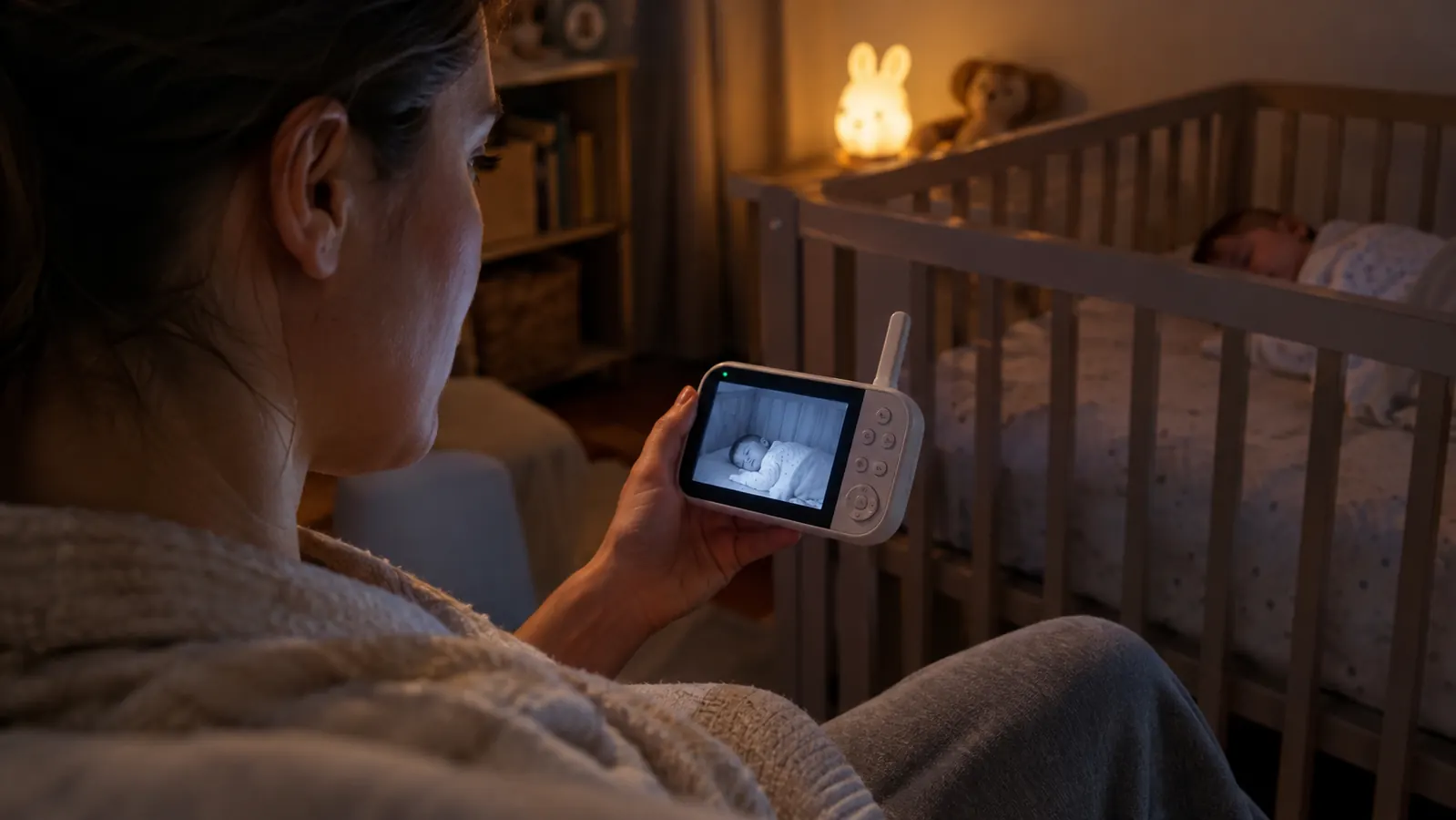
When June was born, our plan was simple. We would use a WiFi monitor, watch her from our phones, and check in from anywhere. That plan lasted about a week. Mike set everything up on a Tuesday night, and by Thursday the app had logged us out twice, the camera had dropped offline during a nap, and a firmware update reset all of our settings. The night we both woke up to a signal lost alert at 2 a.m., I ordered something completely different before I went back to sleep.
This is the Infant Optics DXR-8 PRO. It has no WiFi and no app. A parent unit and a camera talk to each other directly, over a closed connection, and that is the whole point. Eight months later, it is still the first thing I reach for, and it is the monitor I recommend to every friend who asks.
The Quick Verdict
A reliable, no-WiFi monitor that does one job and does it well. If you can live without checking in from your phone, this is the one to buy. It is not the flashiest monitor, and it does not try to be.
Amazon Check Today's Price →The no-WiFi monitor that has been on every night for eight months
If you want a monitor that does not depend on your internet or your phone, this is the one we keep reaching for. It has survived eight months of nightly use, two drops off the nightstand, and a five-year-old who likes to press the buttons. That says enough.
Amazon Check Today's Price on Amazon →How I've Used It
June is eight months old now. The Infant Optics DXR-8 PRO has been on every single night since she came home from the hospital. The camera sits on the dresser across from her crib, high enough that the pan and tilt can see the whole room. The parent unit lives on our nightstand, and it travels with me during the day. When Eli was a baby, we used a basic audio monitor, and I lost count of how many times I tiptoed upstairs just to see if he was breathing. That is the habit this monitor broke.
Our house is a two-story, with the nursery upstairs and the laundry room downstairs. I have carried the parent unit to the kitchen, the back porch, and the laundry room, and the picture has never dropped on me. The range in a real house is not the same as the number on the box, but it has been plenty for us. I do not think about range anymore, which is exactly what I wanted.
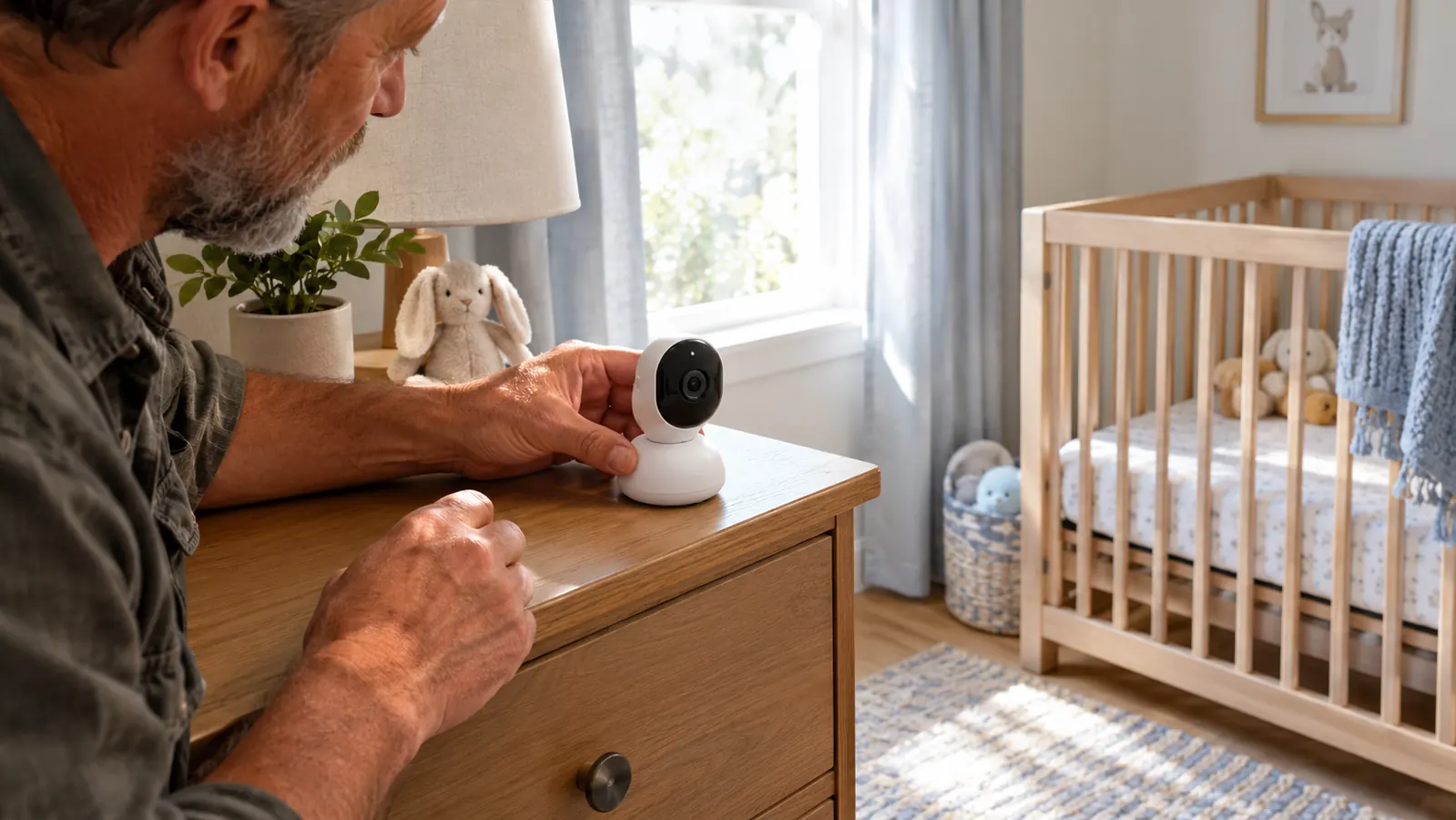
I use it for naps, for nights, and for the twenty minutes June plays in her crib before she actually falls asleep. On mornings when Mike has already left with Eli, I carry the parent unit into the bathroom and angle the camera toward the crib so I can shower without running back and forth. June sleeps on her back on a firm mattress with nothing loose in the crib, the way our pediatrician laid it out. The camera is on a dresser well out of her reach, and the cord is tucked behind the furniture. I check the placement every few weeks, because that is the kind of thing you check when there is a baby in the house.
What Makes the Infant Optics DXR-8 PRO Different
The biggest difference is the one you cannot see. Most monitors now need your home internet and an app on your phone. That means your baby's video goes through your router and a company's server, and when your internet blinks, your monitor blinks with it. The Infant Optics DXR-8 PRO does not do that. The camera and the parent unit create their own connection, so there is no router, no app, and no subscription to keep up with. If the internet goes down at 3 a.m., this monitor still works, and that is a bigger deal than I realized until we lived through it.
The other feature that sold me is the Active Noise Reduction, which Infant Optics calls ANR. June sleeps with a white noise machine on full blast, because that is the only way she sleeps. On our old monitor, that sound came through loud and constant, and I would turn the volume down to survive it, which meant I could barely hear her. The ANR filters out the steady background hum, so the white noise sounds like a whisper, and a cough, a cry, or a grunt still comes through clearly. It is the difference between a monitor we could tolerate and a monitor we actually like.
The third thing is the interchangeable lens system. The camera comes with a standard lens that covers the room, and you can swap in a zoom lens or a wide angle later. We have not swapped ours yet, because the pan, tilt, and zoom on the parent unit have been enough. From the dresser, I can pan across the whole nursery, tilt down to see June on the rug, and zoom in close enough to see her eyelashes on a bad night. It sounds like a small thing, but it means the camera does not have to be repositioned when she moves.
There is also a temperature sensor, a talk-back button, and a small menu of lullabies. I use the talk-back more than I expected. When June stirs at 2 a.m., I can press the button and say a few words without walking upstairs, and sometimes she settles right back down. The lullabies are simple and a little tinny, but they work in a pinch when she is fighting a nap.
What It's Like to Actually Live With
The screen is a 5 inch, 720p display. It is not the sharpest screen on the market, and if you are used to a phone screen, you will notice. But it is sharp enough to see June's chest rising and falling, and that is the job. At night the view switches to black and white infrared, and the image is clear enough to see her face and her hands. I have never once looked at the screen and wished it were sharper, because I am not watching a movie. I am checking on a baby.
The parent unit runs on a rechargeable battery. In real life, I get most of a day of off-and-on use before I need to set it back on the dock, and if I leave the screen on constantly, it drains much faster. I have learned to dock it when I am not carrying it, and that works fine. But I will say it plainly: the battery is the weakest part of this monitor. It is not a dealbreaker, because the dock is easy to live with, but it is the first thing I would change if Infant Optics asked.
The buttons are not a touchscreen. There is a scroll wheel and a few dedicated buttons, and it took me about a week to stop fumbling for the volume in the dark. Now I can do it without looking, and honestly, a physical button at 3 a.m. is easier than a touchscreen would be. The menu takes a little patience the first time you open it, but once the settings are where you want them, you rarely go back in.
Biscuit, our nine-year-old yellow Lab, sleeps at the foot of our bed and snores loud enough to hear from the hallway. The ANR filters his snoring out of the parent unit, and I still hear June the second she stirs. That is the feature I did not expect to love this much. I also like that the screen has a dim mode for nighttime, so it does not light up the whole bedroom when I glance at it.
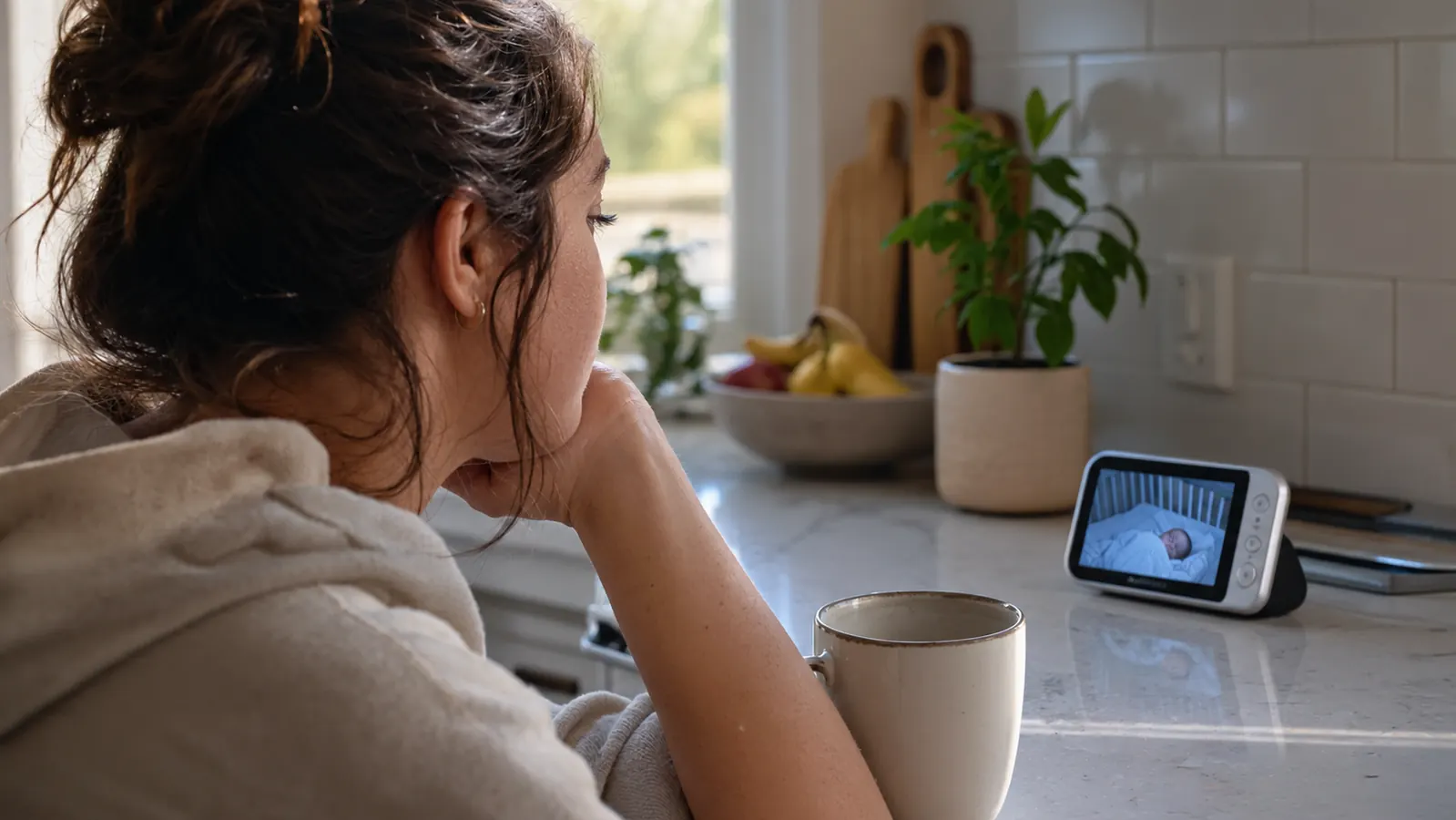
On the kitchen counter at 2 a.m., I can see June's chest rising and falling on the screen. That is the whole job, and this monitor does it every single night.
Where It Falls Short
First, the battery. I already said it, but it deserves its own paragraph. If you carry the parent unit around all day and forget to dock it at night, you will occasionally hit a low battery warning at the worst moment. Pack the dock where you can see it, and you will be fine. I keep ours on the kitchen counter, so docking it is part of my morning routine.
Second, there is no phone viewing. If you want to check on your baby from the grocery store or a date night, this monitor cannot do that. There is no app, no remote viewing, and no video clips to send to grandma. You trade all of that for reliability, and it is a real trade. I made peace with it, because I would rather have a monitor that works every night than one I can watch from the office.
Third, the camera has to be plugged in. The camera unit is not battery powered, so you need an outlet within reach of where you want to place it. We ran the cord behind the dresser and tucked it away, but it is still a cord in a nursery, and we check on it every few days. If your nursery does not have an outlet near the crib, you will need an extension cord, and that is worth knowing before you buy.
And the menu system is a little clunky. Setting the temperature alert and picking a lullaby takes a few minutes of button pressing. You do it once and then you never touch it again, but the first setup is not as slick as a phone app. If you are the kind of person who hates reading a manual, set aside ten minutes and a cup of coffee for the first evening.
Alternatives We Considered
Before we bought this one, we gave the WiFi monitor another try. The picture was beautiful, and watching from my phone was genuinely nice. But the app crashed twice, the camera needed a firmware update on a night when our internet was down, and I did not love the idea of June's video living on a server somewhere. Mike was the one who said it out loud: we already pay for internet, and now our baby monitor needs it to work?
We also considered going back to an audio-only monitor. They are cheaper and dead simple, but I wanted to see June, not just hear her. I wanted to know if she had rolled onto her stomach, if her pacifier had fallen out, if the blanket was where it should be. An audio monitor cannot tell you any of that.
The Infant Optics DXR-8 PRO was the middle path, and eight months later, I would buy it again. I tell friends the same thing: if you do not need to watch from your phone, skip the WiFi monitor and get this one. The tradeoff is simple. You give up remote viewing, and you get a monitor that does not care about your internet connection, your router, or your app store.
One more thing worth knowing: because the camera and parent unit talk directly to each other, the monitor works anywhere you can plug in the camera. We packed it for a weekend at my parents' house, and it worked in their guest room with zero setup. A WiFi monitor would have meant joining their network and hoping the signal reached. This one just worked.
What I Liked
- No WiFi, no app, no subscription. The camera and parent unit talk directly to each other.
- ANR filters steady background noise, so a white noise machine or a fan does not drown out real sounds.
- Pan, tilt, and zoom cover a whole nursery from one corner of the room.
- Night vision is clear enough to see a baby's face and watch her breathing.
- Interchangeable lenses let the camera change as your setup changes.
- Travels well: pack it and it works at grandma's house with zero setup.
Where It Falls Short
- Parent unit battery life is just okay, especially if the screen stays on.
- No phone viewing when you are away from home.
- The camera must stay plugged into an outlet.
- The first-time menu setup takes a few minutes of button pressing.
Who This Is For
Buy the Infant Optics DXR-8 PRO if you want a monitor that works the same way every single night, with no app updates and no signal lost screens. It is for parents who want to watch their baby from another room, not from another state. It is for families who run a white noise machine or a fan and want the monitor to filter the hum. And it is for anyone tired of paying a subscription for the privilege of watching their own child. If that sounds like you, this monitor will probably be the last one you need to buy for a while.
Who Should Skip It
Skip it if you need to check in on your baby from work, or you want to send video clips to grandma, or you like the idea of sleep trends on your phone. This monitor does not do any of that. It does one job: it shows you your baby, live, in your house. Also skip it if you want to set the camera anywhere without thinking about an outlet, because it needs to be plugged in. And if picture sharpness is your top priority, a WiFi monitor with a higher resolution screen will beat it on image quality, even if it loses on reliability. I would still take reliability, but I understand why some parents would not.
Still the monitor we reach for first, eight months in
If our house had to pick one baby monitor, this is it. No app, no subscription, no signal lost at 2 a.m. Check today's price on Amazon and see if it fits your setup. And if you have questions about how it works in a real house, the reviews on Amazon are full of parents who have lived with it longer than we have.
Amazon Check Today's Price on Amazon →