
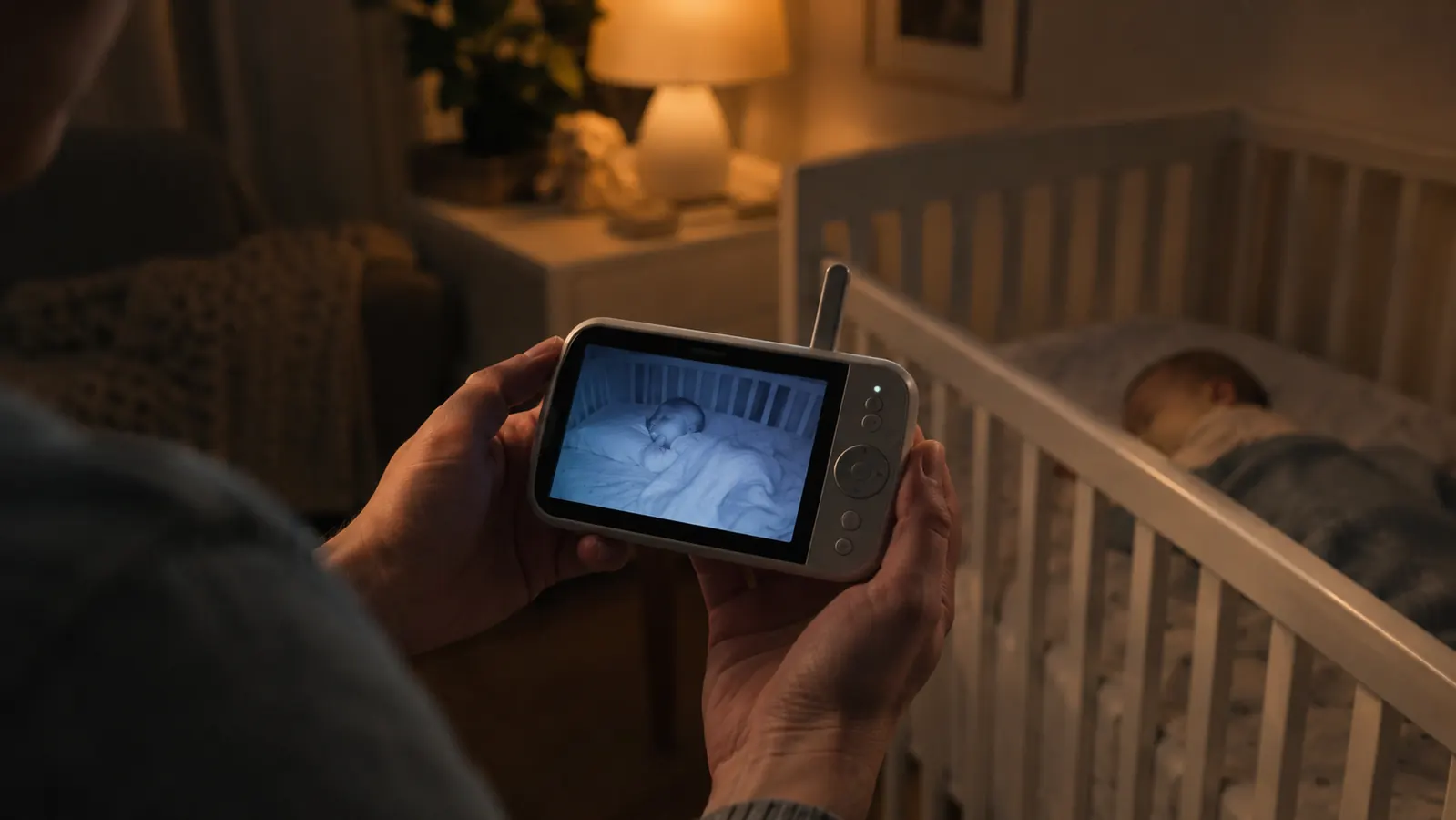
When I was pregnant with June, I assumed every new baby monitor ran on wifi. Then my sister-in-law handed me her old Infant Optics DXR-8 and said, "Just try it for a week." That week turned into eight months, and it changed how I think about what a baby monitor is actually for.
This is the question I hear most from other parents: is the Infant Optics DXR-8 PRO worth it, or should I just get a wifi baby monitor? I have used both, in the same house, with the same baby. Here is the honest answer.
The monitor that has never once failed to show me June's face
After eight months of nightly use, the Infant Optics DXR-8 PRO is the monitor I trust when the house goes quiet. No wifi, no app, no subscription, just a clear picture every time I look.
Amazon Check Today's Price on Amazon →The Short Answer
If you want to watch your baby from anywhere in the world, a wifi monitor is the only choice. If you want to watch your baby from anywhere in the house, the Infant Optics DXR-8 PRO does it better, because it never depends on your internet connection, your phone battery, or an app that just updated and changed everything.
For us, the deciding moment came at 3 a.m. on a Tuesday in early March. The wifi router in our living room rebooted itself, probably a firmware update, and the wifi monitor in the guest room went dark. The Infant Optics DXR-8 PRO in the nursery kept showing June, sound on, picture clear. That is the whole argument in one sentence.
That night is the reason I take this question seriously. I woke up, reached for my phone, and saw a spinning wheel where the nursery should have been. It took the router almost four minutes to come back, and then the app needed another minute to reconnect. Five minutes is not long in daylight. At 3 a.m., with a teething baby who had been coughing earlier, it felt like an hour. I walked down the hall to check on her in person, which is exactly what a monitor is supposed to save you from doing.
| Infant Optics DXR-8 PRO | A Wifi Baby Monitor | |
|---|---|---|
| How it connects | Direct signal between camera and parent unit, no internet involved | Streams over your home wifi and through the app |
| What happens when the internet goes down | Keeps working, because it never needed the internet | Screen goes dark until the connection comes back |
| What you watch on | A dedicated 5-inch parent unit that lives in the nursery | Your phone, which is also your alarm clock, camera, and work email |
| Setup | Plug in, pair, done. No account, no app, no password | Download the app, create an account, connect to wifi, update firmware |
| Checking in from work or a trip | Not possible, the signal only reaches through the house | Possible from anywhere with an internet connection |
| Night vision | Infrared that switches on automatically and shows a clear image in a dark room | Infrared on most models, quality varies a lot by brand |
| Sound quality | Built-in speaker and microphone, plus active noise reduction that filters out the hum | Depends on the phone speaker and the app, and the app can drop the audio stream |
| Hacking risk | No wifi and no internet connection, so there is nothing for a stranger to reach | Any internet-connected camera carries some risk, which is why the manual tells you to change the password |
| What it costs over time | One purchase, no subscription, no cloud storage fee | Many brands charge a monthly fee for cloud recording and extra features |
| Best for | Parents who want a monitor that simply works every night | Parents who need to check in from another room or from work |
Where Infant Optics Wins
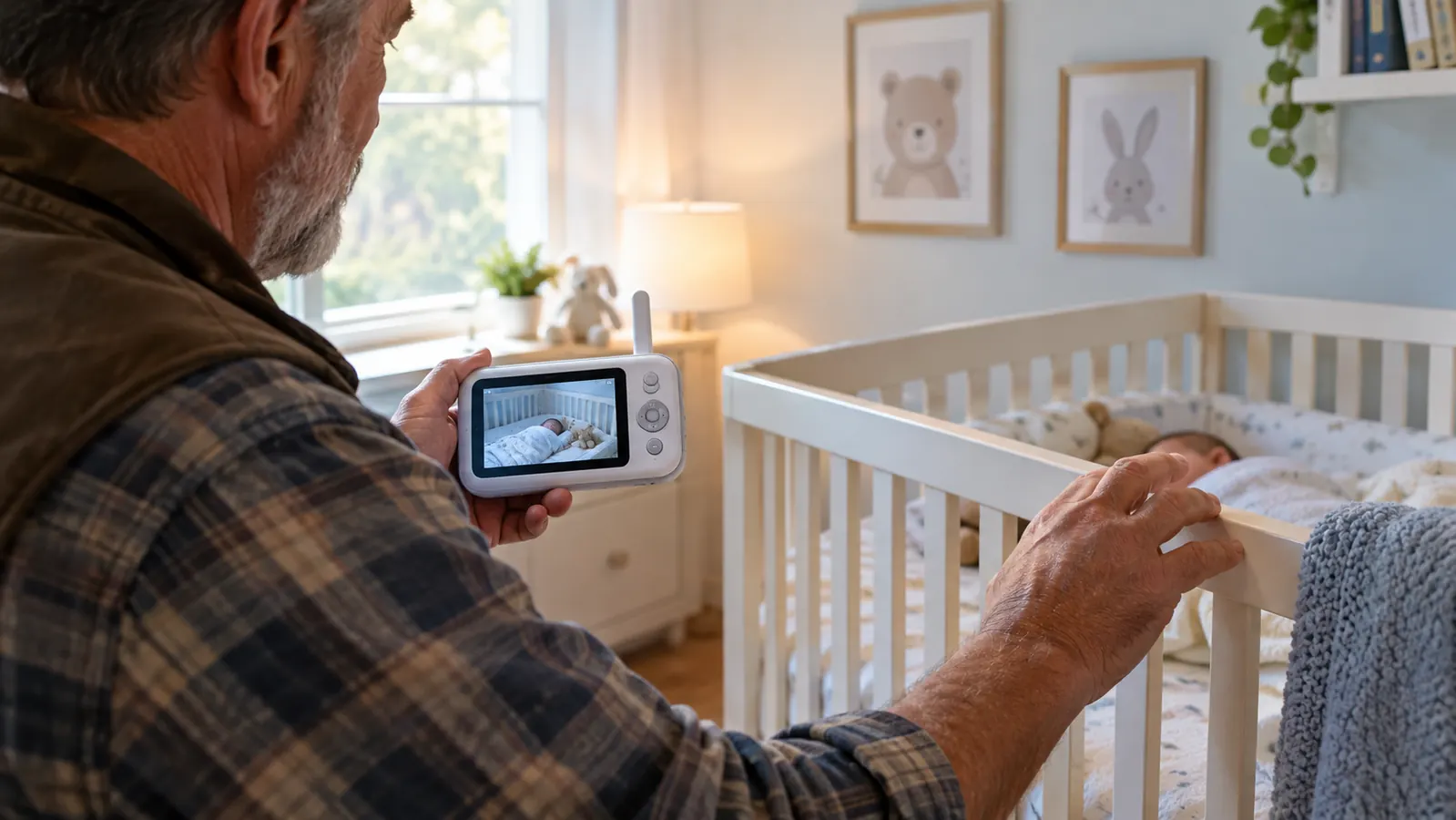
The Infant Optics DXR-8 PRO wins on the one thing I care about most: it is always there. I do not have to remember to charge my phone before bed, because the parent unit has its own battery and its own charging dock. I do not have to wonder whether the app is going to log me out. I do not have to hope the wifi holds. I just pick up the unit and look.
It also wins on the active noise reduction, which is the feature I was most skeptical about. Our nursery has a white noise machine running all night. On the wifi monitor, that sound came through as a constant roar. On the Infant Optics DXR-8 PRO, the ANR filters out the steady hum and leaves the sounds I actually need to hear: June stirring, her breathing changing, the little grunt she makes right before she wakes up. That is the difference between sleeping and not sleeping.
The pan and tilt controls are another quiet win. When June was smaller, she slept in a bassinet beside our bed and I never needed to move the camera. Now that she is in the crib, I can steer the lens from the parent unit without walking into the nursery and risking waking her. On a typical night I nudge the camera two or three times, once to check that her pacifier is still in reach and once to make sure she has not kicked a leg out from under the blanket. The motor is quiet enough that it does not disturb her, and the image stays sharp even when I zoom in on her face.
The battery life deserves its own mention. The parent unit easily lasts through a full night on a single charge, and I have gone two full nights without docking it when I forgot to plug it in. The wifi monitor, by contrast, lived on its charger because the app drained my phone battery fast. On a bad night I would wake up to a low battery warning on my phone and have to decide whether to plug it in or let it die. That is not a decision I ever make with the Infant Optics DXR-8 PRO.
Setup is the other place it quietly wins. I took the Infant Optics DXR-8 PRO out of the box, plugged in the camera, turned on the parent unit, and it was paired before I had folded the cardboard. There was no app to download, no account to make, no password to type with a baby on my hip. When my mother-in-law watched June for a weekend, I handed her the parent unit and showed her the volume button. That was the whole lesson, and she never once called me with a question about it.
Where a Wifi Monitor Wins
I am not going to pretend the wifi monitor has no strengths. It does. The biggest one is that you can check the nursery from anywhere. When Mike travels for work, he can open the app and see June sleeping. When June is down for a nap and I am folding laundry in the basement, I can glance at my phone instead of walking upstairs. That is genuinely nice, and I missed it for the first week after we switched.
A wifi monitor also gives you things the Infant Optics DXR-8 PRO simply does not have: recorded video clips, temperature history, and the ability to watch on a tablet or a second phone. If those features matter to you, a wifi monitor is the right call. Just know what you are trading. Every one of those features depends on your home network, your phone, and an app that is updated by someone else.
I will give you a concrete example. One afternoon in April, I put June down for her nap, started a load of laundry, and opened the app on my phone to check on her from the basement. The app had updated overnight and asked me to log in again. I could not remember the password, so I reset it, and the reset email took a few minutes to arrive. By the time I was back in, June was already awake and babbling. The Infant Optics DXR-8 PRO would have shown me the same scene in the two seconds it took to pick up the parent unit. That is the trade in miniature.
There is one more thing the wifi monitor did that I should mention honestly. On two separate nights, the app lost the audio stream while the video kept playing. I would look at the phone, see June sleeping peacefully, and have no idea that she had started crying until I walked upstairs. The Infant Optics DXR-8 PRO has never dropped audio on me, not once in eight months. For a monitor, that is the feature that matters most.
To be fair to the wifi side, those dropouts may have been our house as much as the monitor. Our router sits at the far end of the downstairs, and the nursery is upstairs at the other end, with a bathroom and two walls in between. A family with a newer mesh system might never see that problem. But that is exactly the point: a wifi monitor is only as steady as the network it lives on, and most of us do not want to troubleshoot our router at 2 a.m. with a crying baby.
The monitor I reach for at 3 a.m.
Eight months in, the Infant Optics DXR-8 PRO is still the first thing I grab when June makes a sound. It is the monitor that works when everything else in the house is asleep, including the wifi.
Amazon Check Today's Price on Amazon →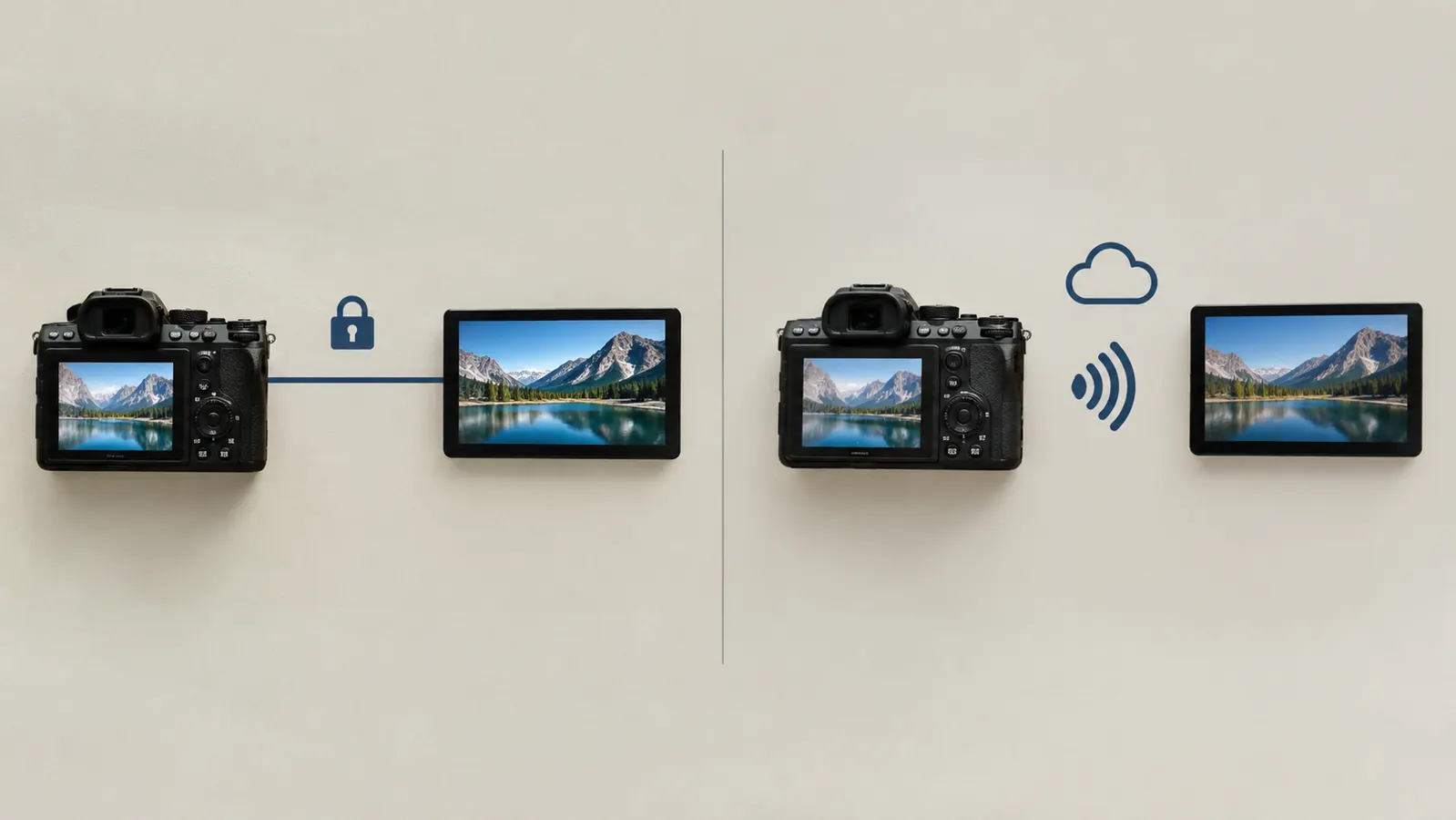
Who Should Buy Which
Buy the Infant Optics DXR-8 PRO if you want a monitor that works the same way every single night, if you do not want your baby's video on the internet, and if you are home with your baby most of the time. It is also the better choice if you are tired of managing apps and accounts, or if your home wifi is not reliable.
Buy a wifi monitor if you genuinely need to check in from work, if you travel and want to see the nursery from a hotel room, or if you want recorded clips and temperature history without buying extra accessories. Just be honest with yourself about whether you will actually use those features, because you will be paying for them with setup time, app updates, and the occasional 3 a.m. dark screen.
If you are still not sure, think about where you will actually be when your baby sleeps. For most of the first year, that is somewhere in the same house: the kitchen, the couch, the laundry room, your own bed. If that sounds like your days, the extra features of a wifi monitor are mostly things you will pay for and rarely use. If you work outside the home and share care with a partner or a sitter, the remote view starts to earn its place.
The wifi monitor went dark when our router rebooted at 3 a.m. The Infant Optics DXR-8 PRO kept showing June, sound on, picture clear. That is the whole argument in one sentence.
What I Learned After Eight Months
I kept the wifi monitor in the guest room for a month before I finally packed it away. The deciding factor was not the picture quality, which was fine on both. It was the number of times I had to think about the monitor at all. With the Infant Optics DXR-8 PRO, the answer is almost never. It sits on the nursery dresser, it is always charged, and it is always on. With the wifi monitor, the answer was every single night: is the app open, is the phone charged, is the wifi up, did the update break something.
There is also the safety angle, and I want to be careful here. I am not going to claim that one monitor is dangerous and the other is not. What I will say is that a monitor with no internet connection has no attack surface, and that mattered to me as a former pediatric dental hygienist who spent years thinking about risk. The Infant Optics DXR-8 PRO is hack-proof by design, because there is nothing to hack. That is a fact, not a fear.
One more honest note: the Infant Optics DXR-8 PRO is not the monitor for you if you want to watch from work. It simply cannot do that, and no amount of wishing will change it. If that is your situation, buy the wifi monitor and do not look back. But if you are like me, and you just want to know that when you look at the screen, your baby will be there, the Infant Optics DXR-8 PRO is the one I would buy again.
Whichever way you go, a monitor is a helper, not a babysitter. I still walk in and look at June before I go to bed every night, and I keep every camera cord well out of reach of the crib, mounted high on the wall. Read the setup guide for whatever monitor you choose, follow its placement instructions, and talk to your pediatrician about any sleep concerns. For our family, the Infant Optics DXR-8 PRO simply made those nights quieter, and after eight months it is still the first thing I grab when I turn off the lights.
Still deciding? Start with the monitor that never goes dark.
The Infant Optics DXR-8 PRO has been our nightly monitor for eight months, and it has never once failed to show me June. See today's price on Amazon and decide for yourself.
Amazon Check Today's Price on Amazon →