
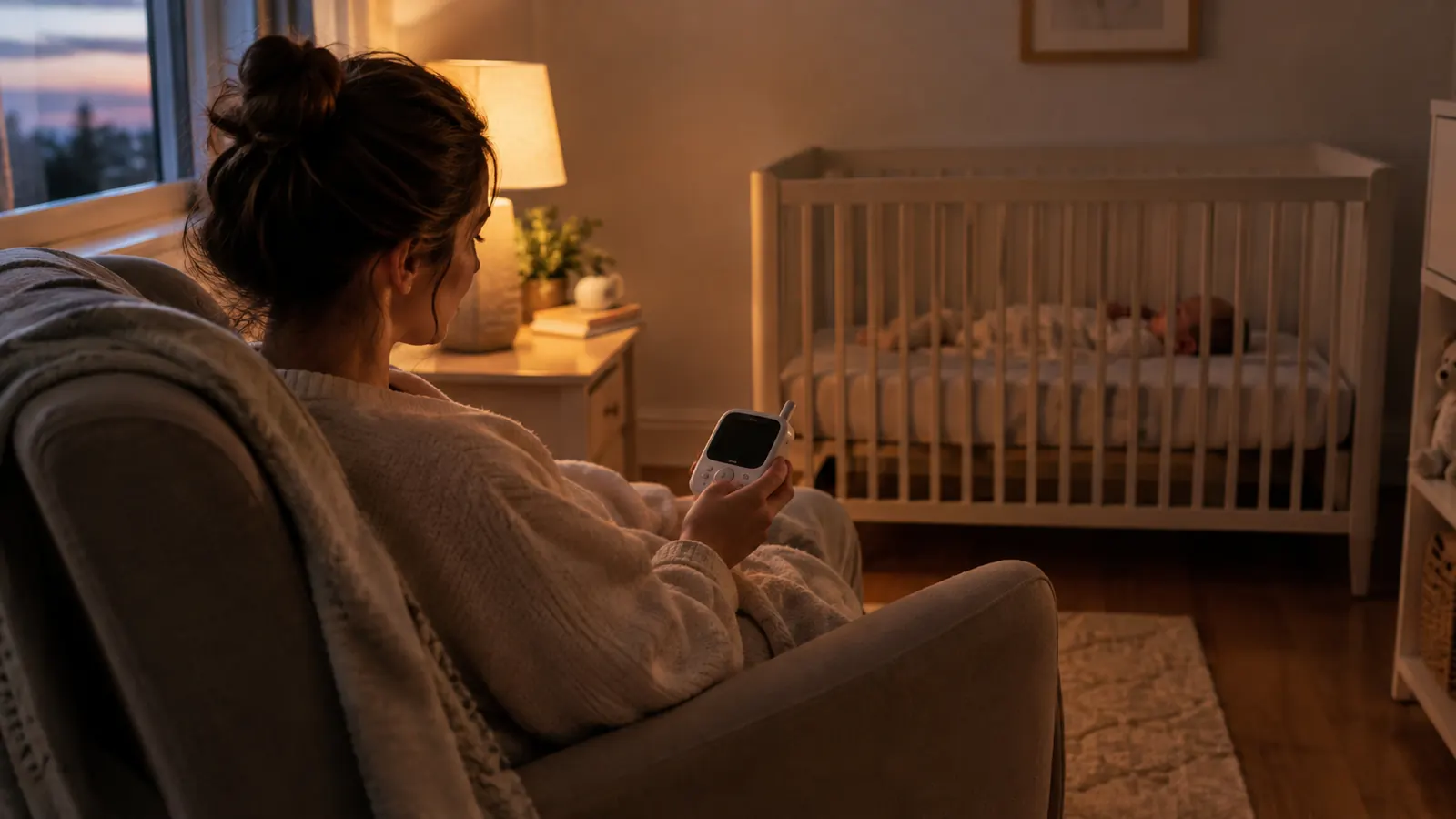
I almost bought a WiFi monitor. Every review site said the app was the whole point, and for about a week I believed them. Then I talked to my sister, whose WiFi monitor dropped its connection at 2 AM three nights in a row, and I started reading the fine print on the boxes instead of the marketing. That is how I ended up with the Infant Optics DXR-8 PRO, and after four months of nightly use with my 8-month-old daughter June, I have thoughts. Some of them are the ones every review repeats. Some of them are the ones nobody tells you.
This is the honest version. I am not going to tell you it is perfect, because it is not. I am going to tell you what it does well, what it does poorly, and exactly the kind of family I think should skip it entirely.
The Quick Verdict
The Infant Optics DXR-8 PRO is the most dependable baby monitor I have used, and the active noise reduction is genuinely useful. It is not the sharpest screen, the app-free design takes getting used to, and some families will find the lack of WiFi a dealbreaker. For a calm, private, no-subscription setup, it is hard to beat.
Amazon Check Today's Price →The monitor that never woke me up with a dropped connection
Four months in, the Infant Optics DXR-8 PRO has not lost a single connection in my house. No app, no subscription, no 2 AM reconnects. If that sounds like the kind of night you want, check today's price on Amazon.
Amazon Check Today's Price on Amazon →How I've Used It
June is 8 months old and has been in her own room upstairs since she was 4 months. Our house is a two-story with the nursery directly above the living room, so the monitor is not covering a huge distance. I want to be honest about that, because range claims mean different things in a ranch house than in a three-story row home. In my house, the signal has been rock solid from every room, including the laundry room in the basement with two closed doors between me and the nursery.
I use the monitor the way most parents do. It is on my nightstand at night, on the kitchen counter during the day, and clipped to the stroller handle when June naps in the yard while Biscuit, our 9-year-old yellow Lab, patrols the fence line. The parent unit lives in my hand more than I expected. That is the part the product photos do not prepare you for: this is a device you will carry around like a phone.
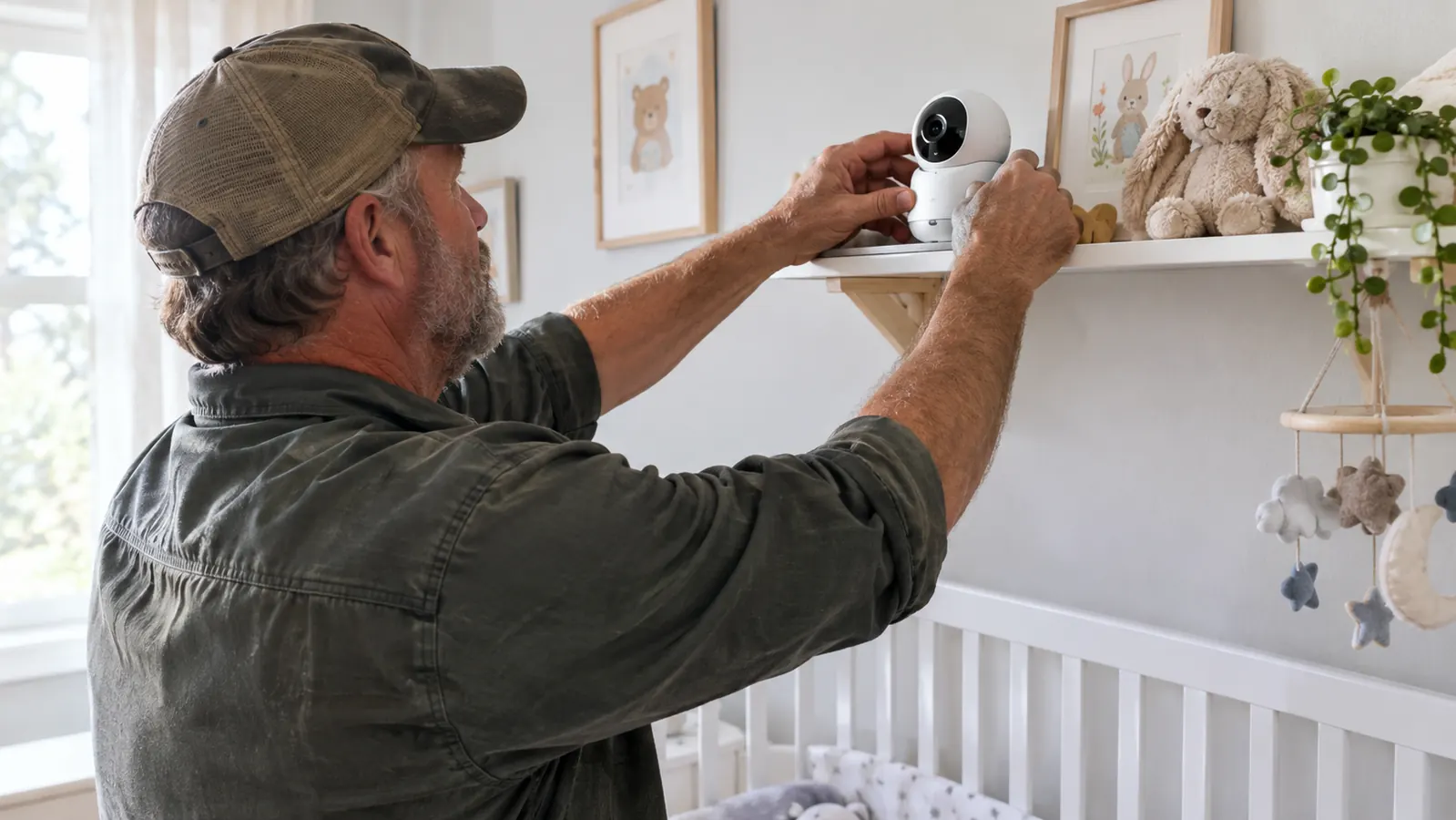
The camera sits on a shelf above the crib, mounted with the included hardware. Setup took me about ten minutes, and most of that was deciding where to put it. There is no app to download, no account to create, no firmware update to wait through. You plug it in, you pair it, you are done. For a sleep-deprived parent, that simplicity is a feature you do not appreciate until you have lived through the alternative.
The first time I trusted it overnight was the night after we moved her out of our room. I checked the parent unit forty times before midnight, and every single time the image was there, no static, no reconnecting. By the second week I stopped checking the signal and started checking June. That is when I knew the monitor had earned its place.
What Nobody Tells You About the Active Noise Reduction
The headline feature of the Infant Optics DXR-8 PRO is the patented Active Noise Reduction, and it is the reason I picked this model over the older DXR-8. Here is what the marketing does not explain: it is not a mute button. It is a filter. The monitor still lets you hear your baby, but it works to reduce the constant background hum of a white noise machine, a fan, or the HVAC system.
We run a white noise machine in June's room every single night. With the ANR on, the monitor is quiet enough that I can keep the volume at a normal level and still hear the second she stirs. When she actually cries, the sound cuts through clearly. That is the part that matters, and it works. I have tested it by standing in the nursery while Mike talked to me from the living room with the monitor in his hand. He could hear June's breathing over the white noise, and he could hear me whisper her name. That is the whole job, and it does it.
One Thursday night in August the AC kicked on at 10:15 and the white noise machine was already running. I turned the ANR on, left the nursery, and stood at the bottom of the stairs with the monitor at half volume. I could hear June roll over. I could hear the AC hum, but it sat behind her sounds instead of on top of them. That was the test that sold me.
What nobody tells you: the ANR also filters out some of the tiny sounds you might want to hear. The rustle of a sleep sack, the little grunts she makes when she is resettling, those are quieter with the filter on. I have learned to live with it because the tradeoff is worth it, but if you are the kind of parent who wants to hear every breath, you will find yourself turning the ANR off. That is fine. It is a button, not a commitment.
The ANR is not a mute button. It is a filter. The monitor still lets you hear your baby, it just stops the white noise machine from drowning out the sounds that matter.
The Screen, the Battery, and the Things That Annoy Me
Let me be straight about the screen. The Infant Optics DXR-8 PRO has a 5 inch display, and it is fine. It is not the retina-quality screen you get on a tablet, and it is not the grainy green display of monitors from a decade ago. It is somewhere in the middle, and for the way I use it, that is exactly right. I am not watching television on this thing. I am checking whether my daughter is breathing, and I can see that clearly, even in the dark.
The night vision is genuinely good. The camera switches to infrared automatically, and the image is bright enough that I can see June's face, her chest rising and falling, and the general shape of the crib. I can even see the dog when he sneaks upstairs and puts his nose on the crib rail, which he has done exactly once, and which the monitor caught in perfect gray-green detail.
The battery is the thing that annoys me most. The parent unit gets maybe 8 to 10 hours of real use before it needs to charge. That sounds fine until you realize you will leave it on all day, carry it to the kitchen, carry it to the yard, and forget to put it on the charger at night. I have woken up at 3 AM to a low battery warning more times than I want to admit. The fix is simple: put the unit on the charger every evening when you put the baby down. But the fact that I have to have a routine for it is a real con.
The worst night was a Tuesday in July. I had left the unit off the charger after a long afternoon in the yard, and at 3:12 AM the low battery beep woke me before June did. I stumbled to the nightstand, plugged it in, and lay there staring at a dark screen until it charged enough to show the camera again. It took less than a minute, but it was a minute I did not need.
The other thing that annoys me is the charging cable. It is short. The parent unit charges on the nightstand, which means the cable has to reach from the outlet to the nightstand, and in my house that is a stretch. I ended up buying a longer micro USB cable, and that solved it. It is a small thing, but it is the kind of small thing that nobody mentions in the reviews.
The No WiFi Thing, and Why I Chose It Anyway
The Infant Optics DXR-8 PRO does not connect to WiFi. That is the whole point, and it is also the reason a lot of parents scroll right past it. I get it. I almost did. But here is what I learned when I actually thought about how I use a baby monitor: I do not need to watch my baby from the office. I need to watch her from the kitchen, the backyard, and my own bed. All of those are within range of a non-WiFi monitor, and none of them require an app.
One Sunday afternoon I carried the parent unit to the far corner of the backyard while Mike watched June upstairs. The fence line is about 60 feet from the nursery window, and the image stayed clear the whole walk. No bars to watch, no spinning icon, no app that needed to refresh. It just worked, the way a monitor should. I keep coming back to that, because it is the whole argument for this design in one sentence.
The no-WiFi design means no account, no password, no subscription, and no chance of someone else connecting to your camera feed. The signal is a private, direct connection between the camera and the parent unit. For a former pediatric dental hygienist who spent years watching parents stress about privacy, that is a real feature, not a limitation. I do not have to worry about a data breach exposing my daughter's nursery. That peace of mind is worth more to me than the ability to check the monitor from a grocery store.
But I am going to be honest about the tradeoff, because it is a real one. If you are a parent who works outside the home and wants to see your baby during the day, or if you travel and want to check in from a hotel room, this monitor will not do that. It is a local device. It does not have a companion app, and it never will. That is a dealbreaker for some families, and it is not wrong to feel that way. It just means this is not the monitor for you.

The Interchangeable Lenses and Other Features I Actually Use
The Infant Optics DXR-8 PRO comes with a standard lens, and the camera accepts interchangeable lenses. I will be honest: I have not bought the zoom lens or the wide angle lens. The standard lens covers the crib and most of the nursery, and the pan, tilt, and zoom controls on the parent unit let me move the camera around without touching it. I use the pan and tilt every night. I use the zoom less, but it is there when I want to check that June's breathing is visible.
The two-way talk feature is one I did not expect to use as much as I do. When June wakes up in the middle of the night and is just fussing, not crying, I can talk to her from the parent unit and she will often settle back down. It is not a replacement for going in there, and I do not use it as one. But it has saved me from getting out of bed for a false alarm more times than I can count.
The temperature sensor is on the camera, and it shows the room temperature on the parent unit screen. I check it every night, mostly out of habit. It is accurate enough, and it is one less thing to buy separately. The lullabies built into the parent unit are fine, but we use our own white noise machine, so I have never used them. I mention that because the feature list on the box is longer than the list of features you will actually use, and that is true of every baby monitor I have ever touched.
Who This Is For
The Infant Optics DXR-8 PRO is for the parent who wants a monitor that just works, every night, without an app, a subscription, or a firmware update. It is for the parent who is bothered by the idea of a camera feed going over the internet, and who wants a private, direct connection instead. It is for the parent who has a two-story house, a baby in a nursery, and a need to hear that baby from the kitchen, the yard, and the basement. It is for the parent who is tired of being woken up by a notification that the monitor disconnected, and who wants the monitor to be the boring, dependable part of the night.
It is also for the grandparent who is tired of asking their adult child to explain the app again. The Infant Optics DXR-8 PRO has one job, and it does it without a learning curve. My mother-in-law figured out how to check on June in about thirty seconds, and she has never once asked me how to reconnect it.
Who Should Skip It
Skip the Infant Optics DXR-8 PRO if you need to watch your baby from work, from a hotel room, or from anywhere outside your home. It does not have WiFi, it does not have an app, and no amount of wishing will change that. If remote viewing is a must, this is not your monitor, and you should not buy it hoping to make it work.
Skip it if you want a crystal-clear, high-resolution screen that you can watch like a tiny television. The 5 inch display is perfectly adequate for checking on a sleeping baby, but it is not a tablet screen. If you want to see individual eyelashes, you will be disappointed.
Skip it if you want a monitor that can grow into a toddler camera with two cameras, or if you want to add a second camera later. The DXR-8 PRO supports up to four cameras, so that part is covered, but if you want a monitor that also does video calls with grandma, or that streams to your phone, this is not it. It is a baby monitor, and it is very good at being a baby monitor. It is not a smart home device.
What I Liked
- No WiFi, no app, no subscription, and no account to create
- Active Noise Reduction actually filters white noise while keeping cries clear
- Private direct connection, no chance of someone else viewing the feed
- Pan, tilt, and zoom from the parent unit work smoothly
- Reliable range through walls and floors in a two-story house
- Two-way talk settles a fussy baby without getting out of bed
Where It Falls Short
- Parent unit battery lasts only 8 to 10 hours of real use
- No remote viewing from outside the home, no app at all
- Screen is adequate but not high resolution
- Short charging cable is an annoying oversight
- ANR filters out some tiny sounds you might want to hear
Still deciding? The honest answer is in the tradeoffs
If you want a dependable, private, no-subscription monitor and you do not need to watch from work, the Infant Optics DXR-8 PRO is the one I reach for every night. Check today's price on Amazon and see if it fits your house.
Amazon Check Today's Price on Amazon →